

Note: This article contains affiliate links. If you click on these links and make a purchase, I may earn a small commission at no extra cost to you. This helps support my research and content. Read my full affiliate disclosure here.
What You’ll Need
A quick look at the tools and supplies commonly used for this job.
Tools
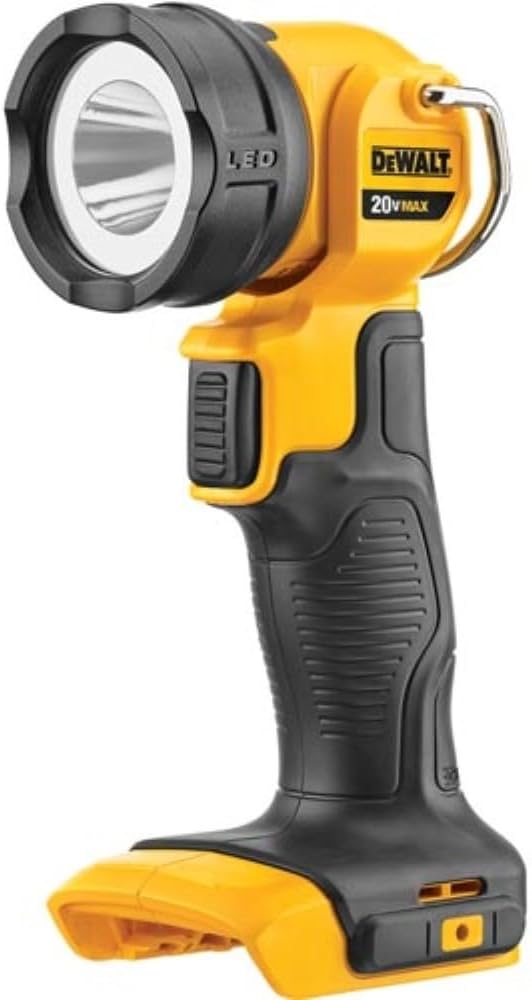
- Flashlight
- Floor jack
- Jack stands
- Lug wrench
- Gloves
- Safety glasses
- Mechanic’s mirror
- Tire tread depth gauge or brake lining gauge
Parts & Supplies
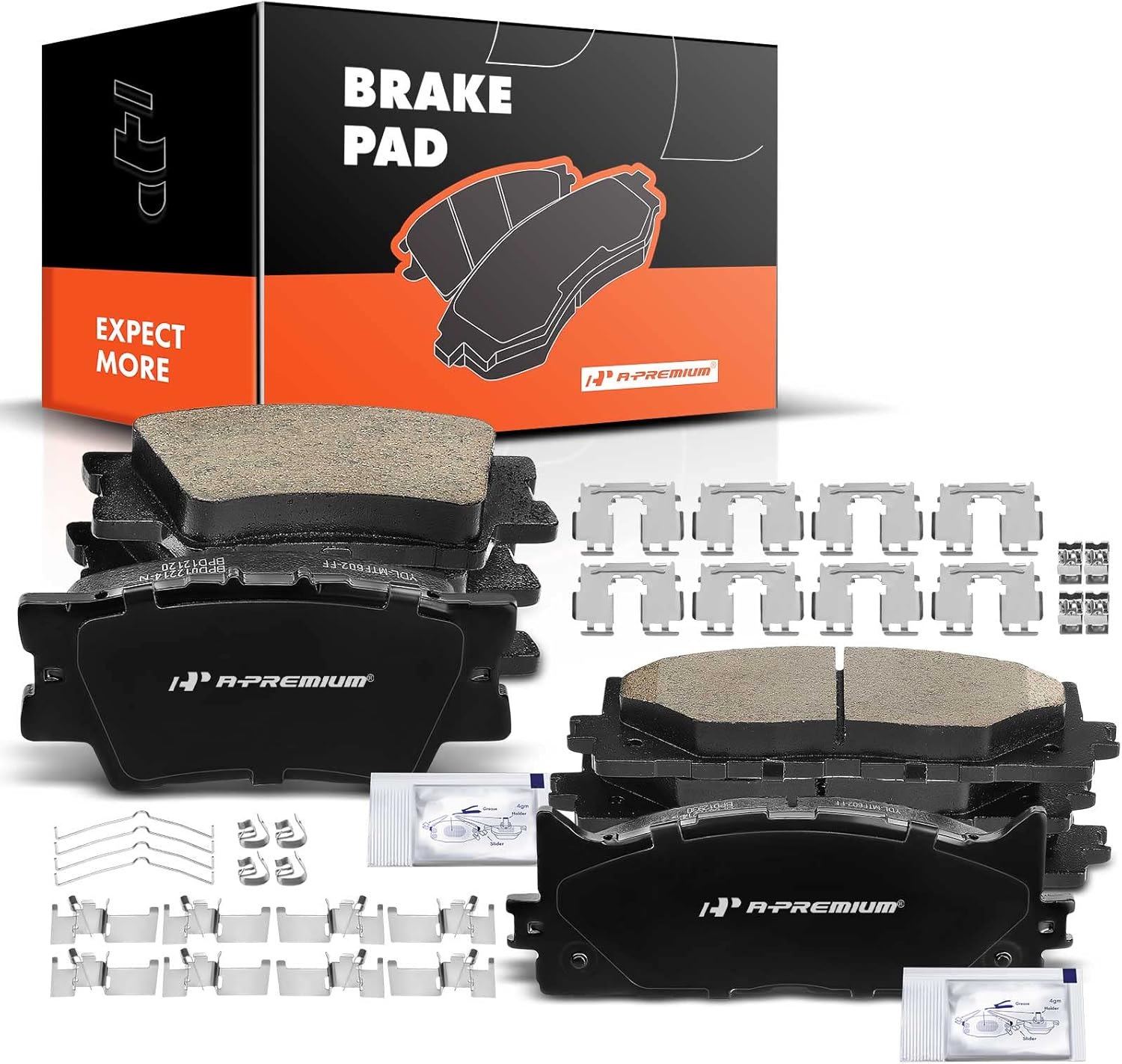
- Replacement brake pads
- Brake cleaner
- Shop towels
This article is part of our Brake System Maintenance & Repair Guides.
Worn brake pads usually give warnings before they become a serious safety problem, but those warnings are easy to miss if you do not know what to look for. Squealing, longer stopping distances, visible thin friction material, and vibration under braking can all point to pads that are near the end of their service life.
The good news is that DIY car owners can do several basic checks at home with simple tools and a careful inspection. This guide walks you through the most common symptoms, how to check pad thickness, how to separate pad wear from rotor or caliper problems, and when it is time to stop driving and schedule a repair.
Why Brake Pad Wear Matters
Brake pads are designed to wear down as they press against the rotors to slow the vehicle. That wear is normal, but once the friction material gets too thin, braking performance can drop quickly. If the pads wear all the way down to the backing plate, metal can contact the rotor and cause expensive damage in a short time.
Driving with worn pads can also lead to overheated brakes, reduced stopping confidence in wet weather, uneven braking, and damage to rotors and calipers. Catching pad wear early usually means a simpler and cheaper repair.
Common Symptoms of Worn Brake Pads
Squealing or Screeching when Braking
Many brake pads have a built-in wear indicator that makes a high-pitched squeal when the pad material gets low. This sound often happens first during light braking and may come and go at the beginning. Do not ignore it just because the brakes still seem to work.
Grinding Noise
A grinding or metal-on-metal sound is a more urgent warning. It can mean the friction material is gone and the steel backing plate is contacting the rotor. At that stage, continuing to drive can ruin the rotors and sharply reduce braking effectiveness.
Longer Stopping Distances
If the vehicle takes more pedal pressure or more distance to stop than it used to, worn pads may be part of the problem. This symptom can be subtle because wear happens gradually, but any noticeable change in stopping performance deserves inspection.
Brake Pedal Feel Changes
Pads that are very worn can contribute to a pedal that feels less responsive, though a soft or sinking pedal usually points more toward hydraulic issues like air in the lines or a fluid leak. Still, if the pedal feel has changed and the pads are old, inspect them.
Vibration or Pulsing While Braking
Vibration is more commonly related to rotor thickness variation or heat damage than pad wear alone, but badly worn or unevenly worn pads can contribute. If one pad is much thinner than its mate, the issue may involve seized slide pins or a sticking caliper.
Brake Warning Light
Some vehicles use electronic pad wear sensors that trigger a warning light on the dash. A brake warning light can also mean low brake fluid, a parking brake issue, or another brake system fault, so confirm the cause before assuming it is only pad wear.
Visible Brake Dust or Thin Pads
Heavy brake dust by itself does not prove the pads are worn out, but if you can look through the wheel and see very little friction material left between the rotor and pad backing plate, the pads are likely due soon.
What Normal and Worn Brake Pads Look Like
A healthy brake pad has a clear layer of friction material bonded to a metal backing plate. New pads are often around 10 to 12 millimeters thick, though the exact thickness varies by vehicle and pad design.
As a general rule, around 6 millimeters means the pads still have useful life left, around 4 millimeters means it is time to plan replacement soon, and around 3 millimeters or less means replacement should be done promptly. At 2 millimeters or less, many technicians consider the pads effectively worn out.
- More than 6 mm: usually still serviceable, assuming wear is even.
- About 4 mm: start planning replacement and inspect more often.
- 3 mm or less: replace soon.
- 2 mm or less: do not delay repair.
Always compare the inner and outer pads on the same wheel if possible. Uneven wear between inner and outer pads is a red flag for hardware or caliper problems, not just normal pad wear.
Tools That Make This Job Easier

How to Inspect Brake Pads Without Removing the Wheels
On many vehicles, you can do a quick screening inspection through the wheel openings. Park on a flat surface, set the parking brake unless you will be lifting the rear wheels later, turn the steering wheel for better access to the front brakes, and use a flashlight to look at the caliper and rotor.
You are looking for the brake pad friction material, not just the metal backing plate. The pad sits against the rotor, and the friction material should appear as a distinct layer. If all you can see is a very thin strip, or if visibility is poor due to wheel design, move to a wheel-off inspection.
- Use a flashlight and, if needed, a mechanic’s mirror.
- Look at both front wheels because front pads usually wear faster.
- Check for a clear friction material layer between pad backing plate and rotor.
- Do not rely on brake dust color alone to judge pad thickness.
How to Inspect Brake Pads with the Wheel Removed
Lift the Vehicle Safely
Loosen the lug nuts slightly before lifting. Raise the vehicle at the proper jacking point, support it securely with jack stands, and remove the wheel. Never work under or around a vehicle supported only by a jack.
Measure the Pad Thickness
With the wheel off, inspect both the outer and inner brake pads. A brake lining gauge works best, but even a careful visual comparison can tell you whether the material is getting thin. Measure only the friction material, not the metal backing plate.
Check Both Sides for Even Wear
If the outer pad looks much thicker than the inner pad, or vice versa, the caliper may not be sliding correctly. Uneven wear can also show up side-to-side, where one wheel has much thinner pads than the other on the same axle.
Inspect the Rotor Surface
A smooth rotor with light circular marks is typical. Deep grooves, blue heat spots, cracking, or a heavy lip at the edge can mean the pads have been run too long or the brakes have overheated. Rotor condition matters because severely damaged rotors can make new pads wear poorly or brake badly.
Look for Hardware Problems
Pad wear is not always just about mileage. Torn caliper boots, leaking brake fluid, rusted slide pins, loose hardware, or pads stuck in their brackets can all create abnormal wear patterns.
How to Tell Worn Pads From Other Brake Problems
Not every brake symptom means the pads are worn out. A careful diagnosis helps you avoid replacing good parts while missing the real issue.
Worn Pads Vs Warped or Uneven Rotors
If the main symptom is steering wheel shake or pedal pulsation during braking, inspect the rotors closely. Thin pads can exist at the same time, but vibration is often driven by rotor thickness variation or hot spots rather than pad thickness alone.
Worn Pads Vs Sticking Caliper
One wheel producing excessive heat, a burning smell, rapid wear on one side, or the vehicle pulling during braking can point to a sticking caliper. In that case, replacing pads alone may not solve the problem.
Worn Pads Vs Brake Fluid Issue
A soft, spongy, or sinking pedal is more often related to air in the lines, old fluid, leaks, or master cylinder problems. Pad wear typically causes noise and reduced braking reserve before it causes a dramatically soft pedal.
Worn Pads Vs Wheel Bearing or Tire Noise
A grinding or humming sound that changes with speed even when you are not braking may be a wheel bearing or tire issue. Brake pad noise usually changes when the pedal is applied.
Recommended Tools for This Job


Step-by-step Diagnostic Routine
Use this simple process to confirm whether your brake pads are worn and whether another issue may be involved.
- Listen for squealing, grinding, or scraping during light and moderate braking.
- Notice whether stopping distances feel longer or pedal effort has increased.
- Look through the wheel with a flashlight for visible pad thickness.
- If visibility is poor, remove the wheel and inspect the inner and outer pads directly.
- Measure the friction material and compare both pads on that wheel.
- Inspect the rotor for grooves, heat spots, cracks, or a sharp outer lip.
- Check for uneven wear that could indicate seized slide pins or a sticking caliper.
- If any pad is around 3 mm or less, plan replacement immediately.
When Brake Pad Wear Is Unsafe
Some brake symptoms mean you should stop driving the vehicle until it is repaired or inspected by a professional.
- Loud grinding or metal-on-metal noise when braking.
- Brake warning light combined with poor braking feel.
- Vehicle pulls sharply during braking.
- Burning smell or one wheel much hotter than the others.
- Very thin pad material, especially at 2 mm or less.
- Visible rotor damage such as deep grooves or cracks.
If any of these are present, the issue may be beyond normal pad wear and could involve rotor damage, a stuck caliper, or hydraulic faults. Do not keep testing the brakes on public roads if the vehicle does not feel safe.
What Affects Brake Pad Life
Brake pad lifespan varies widely. Some drivers need pads in 25,000 to 35,000 miles, while others may reach 60,000 miles or more. The difference depends heavily on driving style and conditions.
- City driving with frequent stops wears pads faster than highway driving.
- Aggressive braking shortens pad life.
- Towing or carrying heavy loads increases brake heat and wear.
- Hilly routes use brakes more often.
- Sticking calipers or dirty hardware can destroy pads early.
- Pad material quality also affects service life and noise.
What to Do Next if Your Pads Are Worn
If the pads are thin but the rotors are still in good shape and within specification, a pad replacement may be enough. If the rotors are deeply grooved, below minimum thickness, badly rusted, or heat damaged, the repair may also require rotor replacement or machining where appropriate.
Brake work should always be done in axle pairs, meaning both front pads or both rear pads are replaced together. Mixing new pads on one side with heavily worn pads on the other can create uneven braking.
If you find uneven wear, do not stop at pads. Inspect slide pins, pad brackets, hardware clips, caliper movement, and rotor condition. Otherwise the new pads may wear out prematurely or the brake problem may return quickly.
Mistakes to Avoid During Diagnosis
- Do not judge pad life only by the outer pad; the inner pad may be much thinner.
- Do not mistake the backing plate for usable friction material.
- Do not ignore a grinding noise because the car still stops.
- Do not assume a brake warning light means pads only.
- Do not replace pads without checking rotor condition and hardware function.
- Do not work under a vehicle that is supported only by a jack.
Key Takeaways
- Squealing often means the pads are near their wear limit, while grinding can mean rotor-damaging metal contact is already happening.
- Brake pads at about 3 mm or less should be replaced soon, and pads at 2 mm or less should not be delayed.
- Always compare inner and outer pad thickness because uneven wear often points to caliper or slide pin problems.
- If braking vibration, pulling, heat, or a soft pedal is present, inspect for rotor, caliper, or hydraulic issues in addition to pad wear.
- A quick visual check through the wheel is useful, but removing the wheel gives the most reliable diagnosis.
FAQ
How Thin Is Too Thin for Brake Pads?
Around 3 millimeters is generally the point where replacement should be scheduled soon, and 2 millimeters or less is considered worn out enough that you should not delay service.
Can I Tell if My Brake Pads Are Worn Without Removing the Wheel?
Sometimes, yes. Many vehicles let you see the outer pad through the wheel with a flashlight, but wheel design can block the view and you may not see the inner pad clearly. A wheel-off inspection is more reliable.
Do Brake Pads Always Squeal when They Are Worn?
No. Many do because of wear indicators, but some pads wear quietly. That is why visual inspection and thickness measurement are important, especially if the brakes have high mileage.
What Does Grinding Mean when I Brake?
Grinding often means the pad friction material is gone and the metal backing plate is contacting the rotor. This is an urgent condition that can quickly damage rotors and reduce braking safety.
Why Are My Inner Brake Pads More Worn than the Outer Pads?
This usually points to a caliper or slide pin problem rather than normal wear. Sticking hardware can keep one pad in contact with the rotor and wear it much faster.
Should I Replace Rotors when I Replace Brake Pads?
Not always, but rotors should always be inspected. If they are deeply grooved, below minimum thickness, cracked, badly rusted, or heat damaged, they should be replaced or machined if appropriate and allowed by manufacturer specs.
Can Worn Brake Pads Cause a Brake Warning Light?
Yes, on vehicles with pad wear sensors. But a brake warning light can also indicate low fluid, a hydraulic problem, or another brake system fault, so the cause should be confirmed.
Is It Safe to Keep Driving with Worn Brake Pads?
It depends on how worn they are and whether other symptoms are present. Mild wear may allow short-term driving to a repair appointment, but grinding, pulling, very thin pads, overheating, or poor braking means the vehicle should be inspected immediately.
Need Parts for This Repair?
The right parts and supplies vary by vehicle.
Select your make and model to find compatible parts and accessories for your car.
Exact Fit
Parts that fit your make and model
Quality You Can Trust
Top brands and OEM quality options
Fast Shipping
Get the parts you need, delivered fast