

Note: This article contains affiliate links. If you click on these links and make a purchase, I may earn a small commission at no extra cost to you. This helps support my research and content. Read my full affiliate disclosure here.
What You’ll Need
A quick look at the tools and supplies commonly used for this job.
Tools
Parts & Supplies
- Electrical contact cleaner
- Dielectric grease
- Replacement terminals or connector pigtail
- Heat-shrink tubing
- Wire repair butt connectors
- Shop towels
This article is part of our Electrical System Maintenance & Repair Guides.
Bad electrical connectors can cause some of the most frustrating car problems because they often create intermittent faults that come and go with vibration, heat, or moisture. A connector may look fine from the outside while hiding corrosion, a loose terminal, or heat damage inside.
If your vehicle has random warning lights, misfires, sensor codes, no-start issues, dim lights, or accessories that only work sometimes, a poor connection is a real possibility. The good news is that many connector problems can be found with careful visual inspection and a few basic electrical tests.
This guide walks through how DIY car owners can safely diagnose suspect connectors, confirm whether the connector is actually the fault, and decide whether cleaning, tightening, or replacing it is the right next step.
What Bad Electrical Connectors Usually Feel Like
A failing connector does not always shut a circuit off completely. Often it adds resistance, creates momentary opens, or causes voltage loss under load. That means symptoms may change depending on engine temperature, road vibration, humidity, or whether a high-current component is active.
Common Symptoms
- Intermittent no-start or stall conditions.
- Sensors that set trouble codes even after the sensor itself has been replaced.
- Headlights, fans, fuel pumps, ignition coils, or other devices that work weakly or inconsistently.
- Dashboard lights that flicker or gauges that drop out.
- A component that starts working again when the connector is moved by hand.
- Burnt-plastic smell, localized heat, or melted connector housings.
Connector issues are especially common in high-heat areas like near the exhaust, battery, alternator, cooling fans, ignition coils, and underhood fuse boxes. They are also common in areas exposed to water and salt, such as wheel wells, bumpers, underbody harnesses, trailer wiring, and ground points.
Safety and Setup Before You Start
Before unplugging or probing anything, identify the circuit you are working on. If the connector belongs to an airbag, seat belt pretensioner, or other supplemental restraint system, stop and consult factory procedures. Those systems require special handling and should not be tested casually.
- Work with the ignition off unless a specific live-voltage test requires power.
- Disconnect the negative battery cable when repairing terminals or opening harnesses.
- Do not force connector locks or pry on terminal faces.
- Use back-probing whenever possible instead of piercing insulation.
- Wear eye protection when using contact cleaner.
If the vehicle has stored codes, scan it before disconnecting the battery. Freeze-frame data and code history can help you narrow the problem to a specific sensor, power feed, or ground path.
Start With the Right Suspect Connector
Do not inspect random connectors first. Start with the connector most directly tied to the symptom. If you have a code for an oxygen sensor heater circuit, inspect that sensor’s connector and related power and ground connectors before moving elsewhere. If a headlight is dim, inspect the headlight connector, the ground connection, and the nearby fuse or relay connection.
Use Clues to Narrow It Down
- A single dead component points to its connector, fuse, relay socket, switch, ground, or local harness.
- Several unrelated electrical problems may point to a shared ground, power distribution connector, or fuse box issue.
- A fault that appears in rain or after washing often suggests moisture intrusion or corrosion.
- A fault that appears only when hot often suggests resistance from loosened or heat-damaged terminals.
Perform a Careful Visual Inspection
A visual inspection solves many connector problems before the meter comes out. Use a flashlight and inspect both the outside of the connector and the terminal faces inside once unplugged.
What to Look For
- Green, white, or bluish corrosion on terminals.
- Bent, spread, recessed, or pushed-back pins.
- Broken lock tabs that prevent full engagement.
- Melted plastic, darkened terminals, or signs of overheating.
- Water, oil, coolant, or dirt inside the connector cavity.
- Frayed insulation or copper wire visible near the terminal crimp.
- Harness strain where the wires enter the back of the connector.
Look closely at terminal position. A terminal that has backed out even slightly may still touch sometimes, especially if the connector is moved. Compare suspect terminals to neighboring ones if the connector has multiple cavities. They should sit at the same depth and angle.
Inspect the Mating Fit
A connector can fail simply because it is not fully seated. Make sure the latch clicks firmly and that no seal, wiring, or nearby bracket is preventing full engagement. If the connector can be pulled apart easily without releasing the lock, the latch or housing may be damaged.
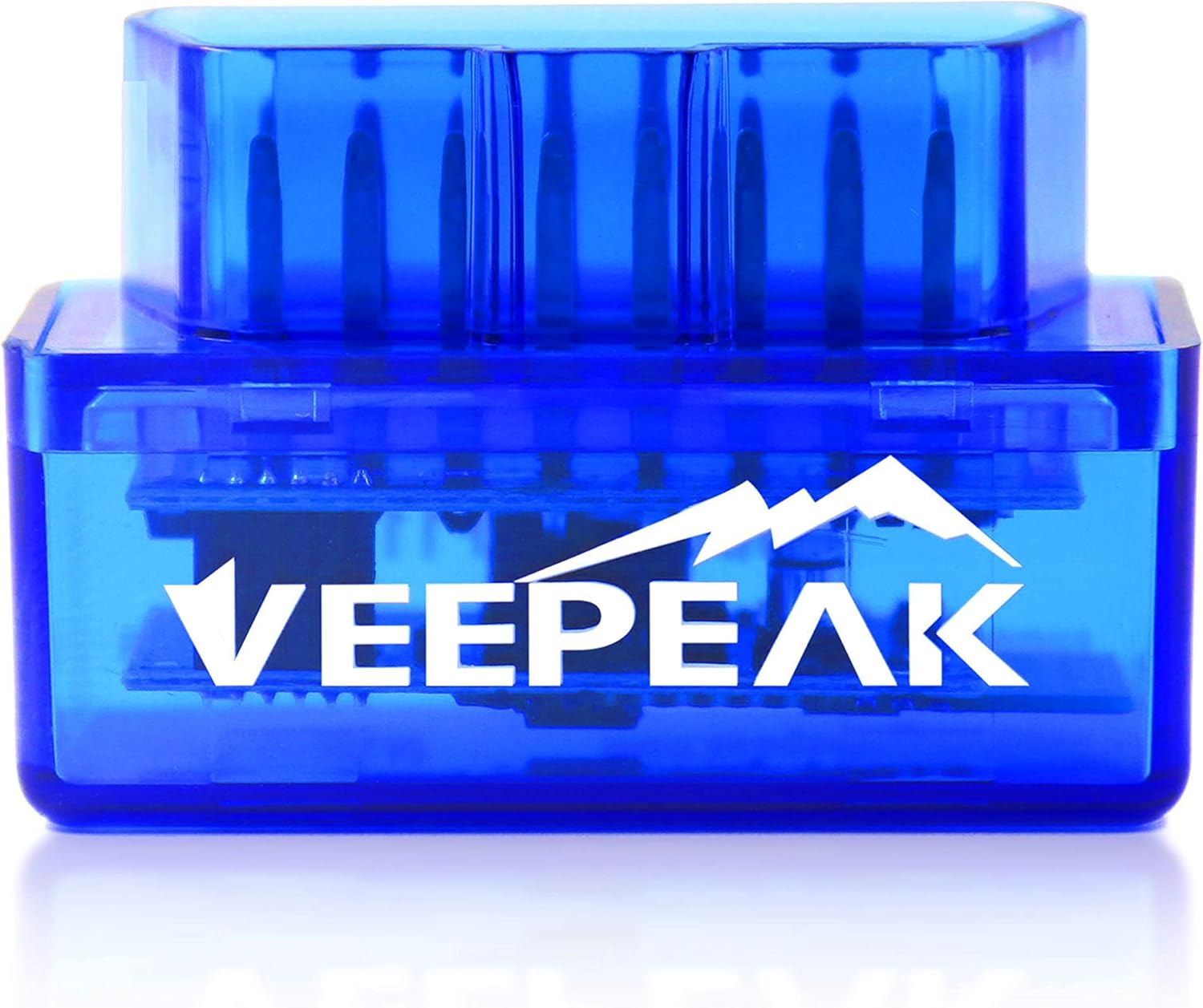
Tools That Make This Job Easier


Use the Wiggle Test the Right Way
The wiggle test is one of the fastest ways to expose intermittent connector faults. The idea is simple: monitor the circuit while gently moving the connector and harness. If the component cuts in and out, the connection is unstable.
How to Do It
- Turn the affected circuit on, or monitor the live data or voltage related to it.
- Gently move the connector body, not just the wires.
- Then move the harness near the connector boot and several inches back from it.
- Watch for flickering lights, engine stumble, scan data dropouts, or test meter changes.
- Repeat with the engine idling and again with key-on engine-off if safe and relevant.
Be gentle. The goal is to reproduce the fault, not create a new one. If moving the connector changes the symptom immediately, you likely have a loose terminal, weak crimp, internal wire break, or poor pin contact.
Check for Power, Ground, and Signal Integrity
A connector diagnosis becomes much more reliable when you divide the circuit into three basics: power, ground, and signal. Verify which terminals should have battery voltage, switched voltage, ground, or sensor reference voltage before testing.
Power-side Checks
With the connector plugged in if possible, back-probe the power terminal and compare the reading to battery voltage. If battery voltage is 12.6 volts but the component feed at the connector is much lower while the circuit is commanded on, the connector or upstream wiring may have excessive resistance.
Ground-side Checks
A bad ground connector can mimic a bad power feed. Measure voltage between the component ground terminal and battery negative while the circuit is operating. A good ground path usually shows very little voltage drop. If you see significant voltage on the ground side under load, the connector or ground path has resistance.
Signal Checks
For sensors, compare the signal voltage and reference voltage to expected values. If a sensor has a stable 5-volt reference and ground but the signal drops out only when the connector moves, the problem is likely terminal contact rather than the sensor element itself.
Do a Voltage Drop Test Instead of Only a Continuity Test
Continuity tests are useful, but they can miss real-world connector problems. A connector can pass continuity with almost no current flowing and still fail under load because of corrosion or loose terminal tension. That is why voltage-drop testing is often the better test.
Why Voltage Drop Matters
Resistance at a poor connection causes voltage loss when current flows. High-current circuits like blower motors, cooling fans, fuel pumps, and headlights are especially sensitive to this. Even a small amount of extra resistance can create heat, weak performance, and intermittent operation.
Basic Connector Voltage-drop Method
- Turn the circuit on so current is flowing.
- Place one meter lead on one side of the connector and the other lead on the matching terminal on the other side.
- Measure the voltage lost across the connector itself.
- A very low reading is normal; a noticeably elevated reading points to resistance inside that connector.
- Repeat on both the power and ground sides if applicable.
Exact acceptable voltage drop varies by circuit, but the key principle is comparison. A connector should not be responsible for a significant share of the total drop. If the component is weak and the connector alone is dropping a measurable amount under load, that connector deserves attention.
Unplug the Connector and Inspect the Terminals Closely
Once live testing points you toward a connector, unplug it for a detailed terminal inspection. Many faults become obvious only when the halves are separated.
Signs the Terminals Are Bad
- Female terminals that no longer grip the male pin tightly.
- Male pins with pitting, discoloration, or uneven wear marks.
- Terminal springs that look spread open.
- Crimps that are loose on the wire insulation or conductor.
- Burn marks where heat built up from resistance.
If one terminal is darker than the others, that is a strong clue it has been heating. Heat damage usually means the metal tension has changed, so cleaning alone may not be enough. A terminal that has lost spring tension often needs replacement.
Check Terminal Retention
Gently tug each wire from the back of the connector. It should stay firmly seated. If a wire or terminal moves backward, the terminal lock may be broken or the crimp may be failing. That can create an intermittent open that only appears with vibration.
Rule Out the Component Before Blaming the Connector
A bad connector and a bad component can produce similar symptoms. Before replacing a connector, make sure the device on the other end is capable of working correctly.
- If a motor is slow, verify it spins properly with correct voltage and ground supplied.
- If a sensor code is present, verify the sensor has proper reference voltage and ground before condemning the sensor.
- If an ignition coil circuit is suspect, compare power, ground, and command signal with a known-good cylinder if possible.
- If a light is dim, verify the bulb and socket are good and compare readings side to side.
Comparing the suspect circuit to a matching known-good circuit is one of the best DIY strategies. Similar readings that change only at the suspect connector usually point directly to the fault.
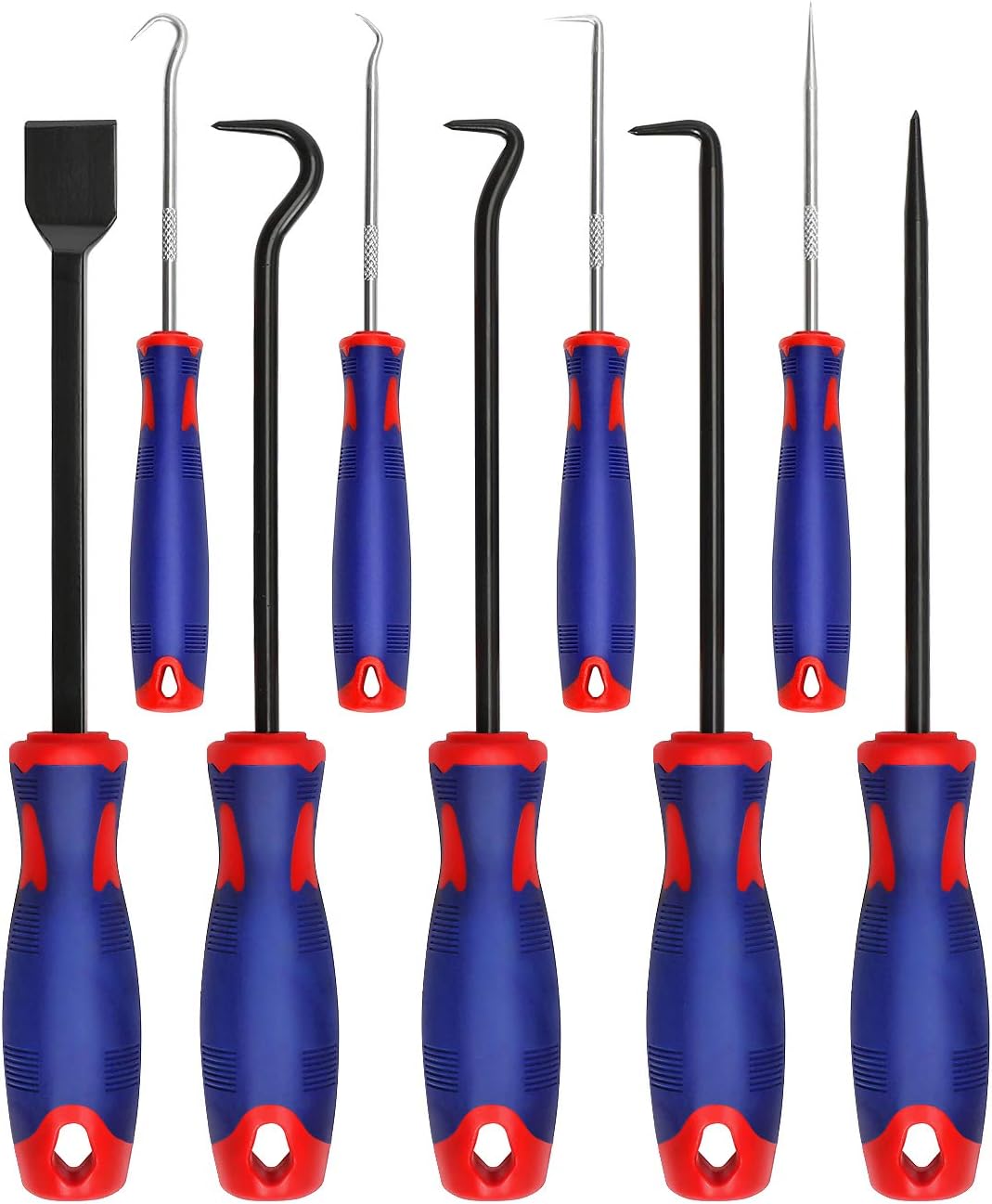
Recommended Tools for This Job


When Cleaning Helps and When It Does Not
Mild corrosion or contamination can sometimes be corrected by cleaning the connector, but cleaning is not a cure for overheated terminals, broken locks, weak spring tension, or damaged crimps.
Good Candidates for Cleaning
- Light oxidation on low-current signal connectors.
- Dirt or moisture intrusion without visible heat damage.
- Minor residue from oil or coolant contamination after the leak source is repaired.
Poor Candidates for Cleaning Only
- Melted connector housings.
- Blackened or blue heat-stressed terminals.
- Loose pin fit between the connector halves.
- Terminals that are spread, cracked, or pushed back.
Use electrical contact cleaner and allow it to dry fully. Apply dielectric grease sparingly only where appropriate, typically to seals and non-contact areas as directed by service information. It is meant to help resist moisture, not to compensate for poor metal-to-metal contact.
Deciding Whether to Repair or Replace the Connector
Once you confirm the connector is the source of the fault, decide whether the repair can be limited to terminal service or whether the connector body and pigtail should be replaced.
Repair May Be Enough If
- The housing is intact and locks properly.
- Only one terminal is lightly corroded or loose.
- The wire insulation and copper conductor are still in good shape.
- You have the correct replacement terminal and can depin it properly.
Replace the Connector or Pigtail If
- The plastic body is melted or brittle.
- Multiple terminals are overheated or corroded.
- The connector seal no longer keeps out moisture.
- The harness is damaged close to the connector.
- The terminal fit is poor even after proper terminal service.
If you splice in a new pigtail, stagger the splices when possible, use quality connectors, seal the repair with heat-shrink, and support the harness so it does not flex at the new repair point.
Common Mistakes That Lead to Misdiagnosis
- Replacing the sensor or module before checking the connector and grounds.
- Using only a continuity test and skipping loaded voltage-drop testing.
- Judging the connector only from the outside without checking the terminal faces.
- Forcing probes into terminal openings and damaging terminal tension.
- Ignoring nearby moisture, oil leaks, or battery acid that caused the connector problem in the first place.
- Cleaning a heat-damaged terminal that actually needs replacement.
If a connector repeatedly corrodes or overheats, there is often an underlying issue such as water intrusion, excessive current draw, poor wire routing, or a failing component that overloads the circuit. Fix the root cause or the replacement connector may fail again.
What to Do After the Repair
After cleaning, tightening, or replacing the connector, reconnect everything securely and verify the original symptom is gone. Repeat any wiggle test that used to trigger the fault. Clear trouble codes if needed and complete a road test or several key cycles.
- Recheck voltage drop across the repaired connection.
- Confirm the connector locks fully and the harness is strain-free.
- Make sure protective loom, seals, and clips are reinstalled.
- Verify no warning lights or pending codes return.
If the symptom remains unchanged after a confirmed connector repair, expand the diagnosis upstream and downstream. The issue may be elsewhere in the circuit, such as a relay socket, fuse box terminal, ground point, broken wire inside the insulation, or the component itself.
Key Takeaways
- Start with the connector most directly tied to the symptom and use codes, weather patterns, and heat-related clues to narrow the search.
- A visual inspection plus a gentle wiggle test can quickly reveal backed-out terminals, poor pin tension, or internal wire breaks.
- Voltage-drop testing under load is usually more useful than a simple continuity check for finding high-resistance connectors.
- Clean only lightly corroded connectors; replace terminals or pigtails that are overheated, loose, melted, or mechanically damaged.
- After any repair, retest the circuit under the same conditions that originally caused the fault.
FAQ
Can a Bad Electrical Connector Cause a Check Engine Light?
Yes. A poor connector can interrupt a sensor signal, reduce heater-circuit voltage, or create unstable readings that trigger diagnostic trouble codes. The code may point to a sensor or actuator, but the connector, wiring, or ground may be the real cause.
What Does Corrosion in a Connector Usually Look Like?
It often appears as green, white, or bluish residue on the terminals, though some connectors may show dark discoloration or dull metal surfaces. Corrosion can also hide inside the crimp area or under wire seals.
Is Continuity Testing Enough to Diagnose a Bad Connector?
Not always. A connector can pass continuity with almost no load and still fail when current is flowing. Voltage-drop testing while the circuit is operating is a better way to catch resistance problems.
Can I Just Squeeze a Loose Female Terminal Tighter?
Sometimes slight retensioning may help temporarily, but it is not always a reliable repair. If the terminal has lost spring tension from age or heat, replacement is usually the better fix.
Should I Put Dielectric Grease Directly on the Terminals?
Follow the connector and manufacturer guidance. Dielectric grease is commonly used to help resist moisture around seals and connector interfaces, but it should not be relied on to improve a poor electrical contact or hide terminal damage.
Why Does the Problem Only Happen when the Engine Is Hot?
Heat can increase resistance, soften weakened connector materials, and change how terminals fit together. A connector with marginal tension or heat damage may work when cold and fail once engine-bay temperatures rise.
How Do I Know if the Problem Is the Connector or a Broken Wire Near It?
Move both the connector body and the harness just behind it while monitoring the circuit. If the fault changes when the wire is flexed a short distance from the connector, the break may be inside the insulation near the terminal rather than in the terminal contact itself.
When Should a DIYer Stop and Seek Professional Help?
Get help if the circuit involves airbags, advanced driver-assist systems, hybrid or EV high-voltage components, module programming, or if you cannot identify the correct terminals and expected readings safely. Some connector faults are simple, but critical systems require the right procedures.
Need Parts for This Repair?
The right parts and supplies vary by vehicle.
Select your make and model to find compatible parts and accessories for your car.
Exact Fit
Parts that fit your make and model
Quality You Can Trust
Top brands and OEM quality options
Fast Shipping
Get the parts you need, delivered fast