

Note: This article contains affiliate links. If you click on these links and make a purchase, I may earn a small commission at no extra cost to you. This helps support my research and content. Read my full affiliate disclosure here.
Repair Snapshot
Use a locksmith or dealer if all keys are lost, the immobilizer must be coded, or your vehicle requires security access through factory software. Professional help is also the safer choice if the car will not start after programming attempts.
This article is part of our Electrical System Maintenance & Repair Guides.
Reprogramming a car key can be simple on some older vehicles and nearly impossible at home on newer ones. The big difference is whether you are only syncing the remote buttons, adding a transponder key to the immobilizer system, or pairing a push-button smart key.
Before you buy parts or start pressing buttons, confirm exactly what type of key your vehicle uses. Many DIY failures happen because the replacement key is the wrong frequency, the chip is not compatible, or the car requires dealer-level programming that cannot be bypassed with a simple button sequence.
This guide walks through the common DIY methods, how to identify what your vehicle needs, and the warning signs that tell you it is time to stop and call a locksmith or dealer.
Understand What Kind of Key You Have
The phrase “program a car key” can mean three different jobs, and each one has a different difficulty level. If you identify the system first, you can avoid wasting money on the wrong replacement key or tool.
Remote-only Key Fob
A remote-only fob controls door locks, trunk release, or panic alarm, but it does not contain the security chip that lets the engine start. These are often the easiest to sync at home using a sequence of ignition cycles, door lock presses, or a short programming mode.
Transponder Key
A transponder key has a chip inside the head of the key. Even if the metal blade is cut correctly, the car may crank and then fail to start unless the immobilizer recognizes the chip. Some older vehicles allow adding a new key if you already have one or two working keys, but many require a scan tool, security PIN, or dealer access.
Smart Key or Proximity Fob
Smart keys for push-button start systems usually require the most advanced pairing process. Some vehicles have an emergency manual add procedure, but many need a professional-grade programmer or factory software. If your car uses a start button and a proximity fob, assume DIY options are limited until proven otherwise.
- Check the owner’s manual for sections labeled keys, remote entry, immobilizer, or smart key.
- Look up the exact year, make, model, trim, and engine before ordering a replacement key.
- Match the replacement key’s FCC ID, frequency, chip type, and blade style whenever applicable.
- If your car came with anti-theft or immobilizer warnings on the dash, key coding matters as much as the physical key cut.
Before You Start
A programming attempt can fail for simple reasons like a weak battery or an incompatible replacement fob. Do these checks first to improve your odds and prevent false diagnoses.
- Install a fresh battery in the replacement key fob, even if the old one still works sometimes.
- Charge the vehicle battery or connect a maintainer if the car has been sitting; low voltage can interrupt programming mode.
- Keep all existing keys and fobs with you, because some systems erase old remotes when a new one is added.
- Sit in the vehicle with all doors closed unless your manual says otherwise.
- Disable nearby wireless clutter if possible, and move other key fobs away from the car during programming.
- Confirm whether the replacement key is already cut or still needs to be cut before any start-related testing.
If the old key still starts the car, test that first. A failing ignition switch, dead vehicle battery, damaged antenna ring, or faulty body control module can look like a key problem when it is not.
Find the Correct Programming Method for Your Vehicle
There is no universal button sequence that works on all cars. Your vehicle will usually fall into one of three programming paths: onboard remote syncing, onboard transponder programming with an existing key, or OBD/factory-tool programming.
Onboard Remote Syncing
This method is common on older vehicles where the remote lock functions can be learned without dealer tools. The procedure often involves turning the ignition from OFF to ON several times, pressing the lock or unlock button, or opening and closing the driver door in a specific sequence.
Onboard Transponder Programming
Some vehicles allow you to add a new chip key if you already have one or two valid keys. A common pattern is inserting the first working key, then the second, then the new key within a short time window. If you do not meet the required number of existing keys, DIY programming often stops here.
OBD or Scan-tool Programming
Newer cars often require communication with the immobilizer, BCM, or instrument cluster through the diagnostic port. In these cases, a scan tool or key programmer may need a security code, internet access, or token-based authorization. That usually means professional help is the more reliable route.
The safest way to confirm the method is to use the owner’s manual first, then a factory service source, then a reputable locksmith database or parts supplier that lists programming requirements by VIN or exact model.
Tools That Make This Job Easier


How to Reprogram a Remote Key Fob at Home
If your replacement fob only controls lock and unlock functions, this is the most DIY-friendly procedure. The exact timing varies by vehicle, but the overall process is similar.
- Sit in the driver’s seat with all doors closed and the unlocked vehicle ready.
- Insert a working key into the ignition if your procedure requires it.
- Turn the ignition to ON and back to OFF in the sequence specified for your vehicle, often several times within a few seconds.
- Watch for a sign that the car entered programming mode, such as door locks cycling, a chime, or dash message.
- Press the lock or unlock button on the replacement fob for the required number of seconds.
- Program any additional fobs during the same session, because some vehicles erase previous remotes when a new one is stored.
- Turn the ignition off or open the driver door to exit programming mode, then test every button from outside the vehicle.
If the door locks never cycle or the car never enters learn mode, stop and recheck the procedure. Do not keep guessing with random button presses, because some vehicles limit attempts or make the process harder to track.
Common Causes of Remote Syncing Failure
- Wrong fob frequency or incompatible FCC ID
- Weak or dead coin-cell battery
- Programming steps performed too slowly
- Another fob left inside the vehicle causing interference
- Body control module or door lock receiver fault instead of a bad key
How to Program a Transponder Key
Programming a transponder key is more sensitive than syncing a lock remote because the engine immobilizer is involved. If your car requires two existing working keys and you only have one, you will usually need a locksmith or dealer.
- Verify that the new key has the correct chip type and that the blade is cut accurately.
- Read your vehicle-specific procedure before starting; the time windows can be very short.
- Insert the first working key and turn it to ON for the required number of seconds, then remove it.
- Insert the second working key if your vehicle requires one, repeat the ON cycle, then remove it.
- Insert the new key within the specified time and turn it to ON so the immobilizer can learn it.
- Watch the security light; it may flash, turn off, or stay on briefly to confirm programming.
- Shut the key off, wait a few seconds, and then test whether the vehicle starts and stays running.
If the engine starts and stalls immediately, the key may be cut correctly but not coded to the immobilizer. If the key will not turn at all, that is usually a cutting or lock cylinder issue, not a programming problem.
What the Security Light Can Tell You
- A light that stays on or flashes rapidly often means the chip was not accepted.
- A normal prove-out, where the light turns on briefly and then off, usually means the system recognized the key.
- A no-crank condition can point to broader anti-theft lockout or a dead battery rather than key programming alone.
How Smart Key and Push-Button Systems Are Usually Programmed
Smart keys often use encrypted communication and a more complex registration process. Some vehicles let you place the fob in a specific spot inside the cabin, press the start button in a sequence, or use an emergency backup slot. Many others do not support true DIY pairing.
If your vehicle has a start button, read the manual for terms like key registration, smart access, proximity key, or emergency start location. You may be able to start the car with a dead fob battery by holding the fob near a marked area, but that does not mean the fob can be newly programmed without tools.
- Keep the original working smart key available if possible.
- Replace the battery in the new and old fobs before troubleshooting.
- Check whether your vehicle needs all smart keys present during registration.
- Expect dealer or locksmith programming if the system uses encrypted immobilizer coding.
Recommended Tools for This Job


Using an OBD Programming Tool
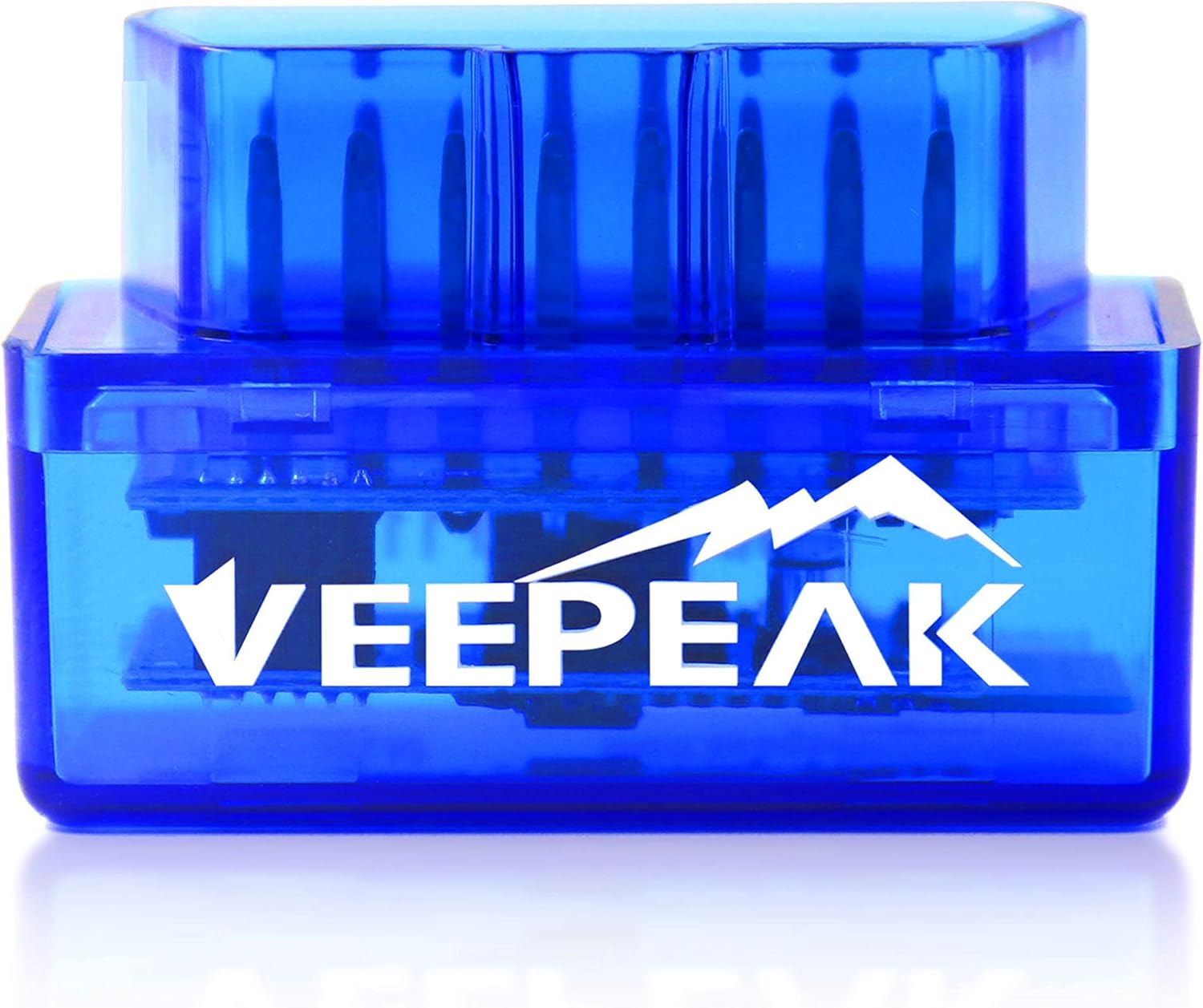
Some aftermarket tools advertise car key programming through the OBD-II port. These can work on certain models, but compatibility is highly specific. A tool that programs one year and trim may not work on the next, and some functions are limited to remote syncing rather than full immobilizer coding.
If you plan to use a programmer, research by exact year, make, model, engine, and key type. Also check whether the tool supports add key, all keys lost, or remote only functions. Those are very different operations.
- Connect a battery maintainer if recommended by the tool maker.
- Plug the programmer into the OBD-II port and follow the prompts exactly.
- Select the correct vehicle profile and immobilizer function.
- Enter a PIN or security code if required.
- Add the new key or fob and wait for the tool to confirm success.
- Cycle the ignition or follow the tool’s instructions to finalize the registration.
- Test lock functions, ignition recognition, and engine starting before ending the job.
Be careful with low-cost generic tools. Some are reliable for simple fob syncing, but others have poor coverage data or unclear instructions. If the vehicle is your only transportation, a professional service is often worth the extra cost.
What to Do If Programming Fails
A failed programming attempt does not always mean the key is defective. Work through the basics before ordering another replacement.
- Confirm the replacement key’s part number, FCC ID, frequency, and chip type.
- Install a new battery in the replacement fob even if it is sold as new.
- Try the procedure again after reading the exact timing steps carefully.
- Use every existing working key during the same session if required by the system.
- Check for blown fuses related to body control, remote entry, or anti-theft modules.
- Scan the vehicle for BCM, immobilizer, or theft-deterrent trouble codes if you have a compatible scan tool.
- Rule out a worn ignition cylinder, faulty push-button antenna, or low vehicle battery.
If the original key no longer works after your attempt, the vehicle may have exited learn mode incorrectly or erased old remotes during re-registration. In that case, it is best to stop experimenting and get a locksmith or dealer to restore the key list properly.
When to Call a Locksmith or Dealer
Professional help is usually the best choice when security coding is involved, when all keys are lost, or when your replacement key source is uncertain. A qualified automotive locksmith can often do the job for less than a dealer, but the dealer may be necessary for some brands and encrypted smart systems.
- You have zero working keys and the vehicle requires an all-keys-lost procedure.
- The vehicle uses a push-button smart key with encrypted immobilizer coding.
- The replacement key is uncut and also needs chip programming.
- The security system is locked out or the dash shows anti-theft errors.
- DIY attempts caused the old keys or remotes to stop working.
- You need a key cut by VIN and proof of ownership verification.
When calling for quotes, ask whether the price includes cutting the key, programming remote functions, programming the transponder or smart key, and deleting lost keys from memory. Those are often separate charges.
Tips to Save Money and Avoid Repeat Problems
Key replacement gets expensive fast when you buy the wrong parts or wait until every key is lost. A little planning can cut the total cost significantly.
- Make a spare key while you still have a working original; add-key programming is usually cheaper than all-keys-lost service.
- Buy replacement keys only after confirming compatibility by VIN, FCC ID, and chip type.
- Keep the old shell or fob for reference in case part numbers are hidden inside.
- Replace weak fob batteries early so intermittent operation does not get mistaken for programming failure.
- Store your spare key away from the vehicle but somewhere you can actually find it in an emergency.
Key Takeaways
- Remote lock syncing is often DIY-friendly, but transponder and smart key programming may require professional tools or security access.
- Always verify the replacement key’s exact compatibility before programming, including chip type, frequency, and part number.
- Use a fresh fob battery and a well-charged vehicle battery, because low voltage causes many false programming failures.
- If you have only one key left, make a spare now since adding a key is usually much easier than replacing all lost keys.
- Stop DIY attempts and call a locksmith or dealer if the security light stays on, the car starts and stalls, or old keys stop working.
FAQ
Can I Reprogram Any Car Key Myself?
No. Some older vehicles allow DIY remote syncing or even adding a transponder key if you already have working keys. Many newer vehicles, especially push-button start models, require dealer or locksmith equipment and security authorization.
What Is the Difference Between Programming a Key Fob and Programming a Transponder Key?
A key fob usually handles lock, unlock, trunk, and panic functions. A transponder key contains a chip that must be recognized by the immobilizer for the engine to start and keep running. The transponder side is usually more restricted and harder to do at home.
Will a New Battery Fix a Key That Will Not Program?
Sometimes. A weak coin-cell battery can prevent a remote from sending a strong enough signal during syncing. It will not fix an incompatible key or an immobilizer coding issue, but it is one of the first things you should replace.
Can I Program a Key if I Lost All My Original Keys?
Usually not without professional help. Most vehicles require an all-keys-lost procedure through a locksmith-grade programmer or dealer software, and some also need proof of ownership before a key can be cut or coded.
Why Does My Car Start and Then Shut Off with the New Key?
That usually means the metal key is cut correctly but the transponder chip was not programmed to the immobilizer. The engine may crank and fire briefly, then stall when the anti-theft system blocks operation.
Do I Need to Bring All of My Current Keys when Programming a New One?
Often yes. Some vehicles erase and relearn every key or remote during one programming session. If a working key is not present, it may stop working afterward until it is added again.
Is an Aftermarket Key or Fob Okay to Use?
It can be, but only if it exactly matches your vehicle’s requirements. Aftermarket keys vary in quality, and even a small mismatch in frequency, chip type, or FCC ID can cause programming failure.
Should I Go to a Locksmith or the Dealer for Key Programming?
A qualified automotive locksmith is often faster and less expensive for common key and transponder jobs. The dealer may be the better choice for some encrypted smart key systems, brand-specific software requirements, or vehicles that need factory-level module access.
Need Parts for This Repair?
The right parts and supplies vary by vehicle.
Select your make and model to find compatible parts and accessories for your car.
Exact Fit
Parts that fit your make and model
Quality You Can Trust
Top brands and OEM quality options
Fast Shipping
Get the parts you need, delivered fast